
Key Takeaways
- Tap payments replace your card number (the PAN) with a token — Apple calls it a Device Account Number — that lives in your phone's Secure Element.
- Every tap also generates a one-time cryptogram the issuer verifies as unique and tied to your device, so intercepted data can't be replayed.
- If your phone is lost, the token can be suspended or deleted without changing your card number or replacing the card; in Canada, a single Interac tap is capped at $250.
Your Card Has 16 Digits. Your Phone Has a Better Number to Share.
Every tap payment starts with a small deception — a deliberate one. The 16-digit number printed on your card, the PAN, is exactly what a fraudster wants. So contactless payments are built so that number never travels.
Trick #1: A stand-in number
When you add a card to a phone wallet, the card network creates a token: a unique stand-in number, the same length and format as the real one. Apple calls its version a Device Account Number; Google assigns a virtual account number.
On an iPhone, that token is encrypted and stored in the Secure Element, a chip isolated from the operating system — never on Apple's servers, never backed up to iCloud. The network keeps the link between token and real card in a secure token vault.
Trick #2: A code that dies instantly
A token alone could still be copied. So each tap also generates a one-time cryptogram — Visa describes it as a "one-time-only electronic signature" created fresh for every transaction. Before approving, the issuer checks the cryptographic information to verify the transaction, and the code can't be reused. Intercept yesterday's tap data and it buys you nothing: the code has already been spent, and the token itself is domain-restricted — locked to a specific device, merchant or use case, so it won't work anywhere else.
Trick #3: The store never sees your real number
The terminal receives the token and the one-time code. As Apple puts it, "neither Apple nor your device sends your actual payment card number" to the merchant. A breached store database full of tokens is a vault of numbers that don't work anywhere else.
But wait. Isn't tapping a physical card secure too?
A physical contactless card runs the same EMV cryptography — token-free, but with the same one-time cryptogram — and it has no way to check you. That's why caps exist: Interac states a single card-based contactless transaction in Canada cannot exceed $250, with cumulative limits set by your bank. A phone adds a lock the card can't: Face ID, Touch ID or your passcode before the payment details are sent, which is why phone taps can exceed card limits, subject to applicable issuer and payment-system rules.
Trick #4: The kill switch that doesn't touch your card
This is where tokens really earn their keep. EMVCo's framework lets the token on a lost device be suspended or deleted and a fresh one issued to a new device — without changing your card number or replacing the card. The plastic in your wallet keeps working; only the dead phone's stand-in dies.
The Twikup Take
Tap-to-pay feels like the lazy option, but cryptographically it's the paranoid one: a fake number, a self-destructing code, and a kill switch that doesn't touch your real card. None of this makes payment fraud impossible, but it makes tapping safer than handing over the real 16 digits — and a tap never lets them change hands.
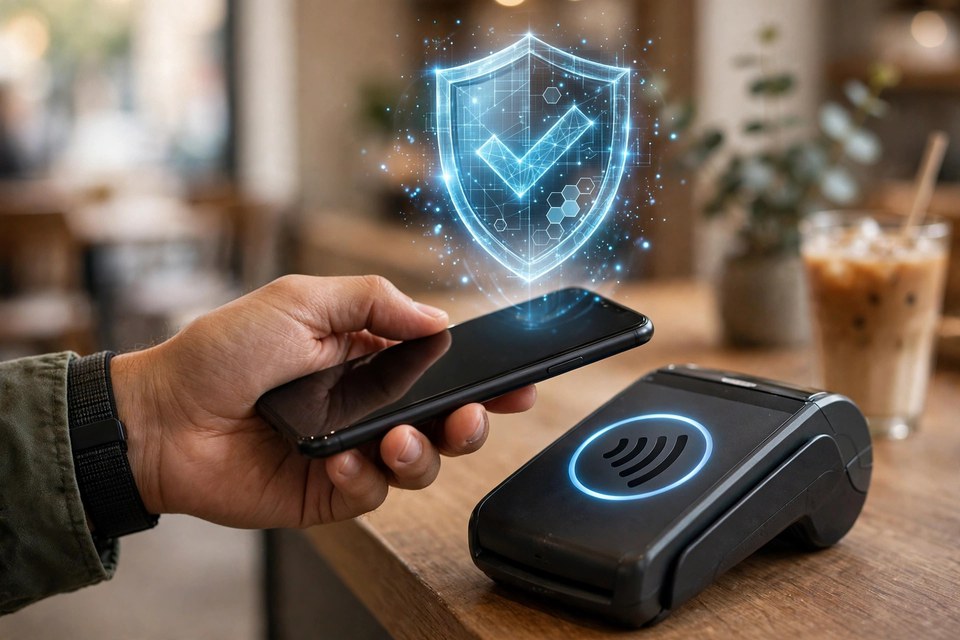
Image: Illustrative image.