
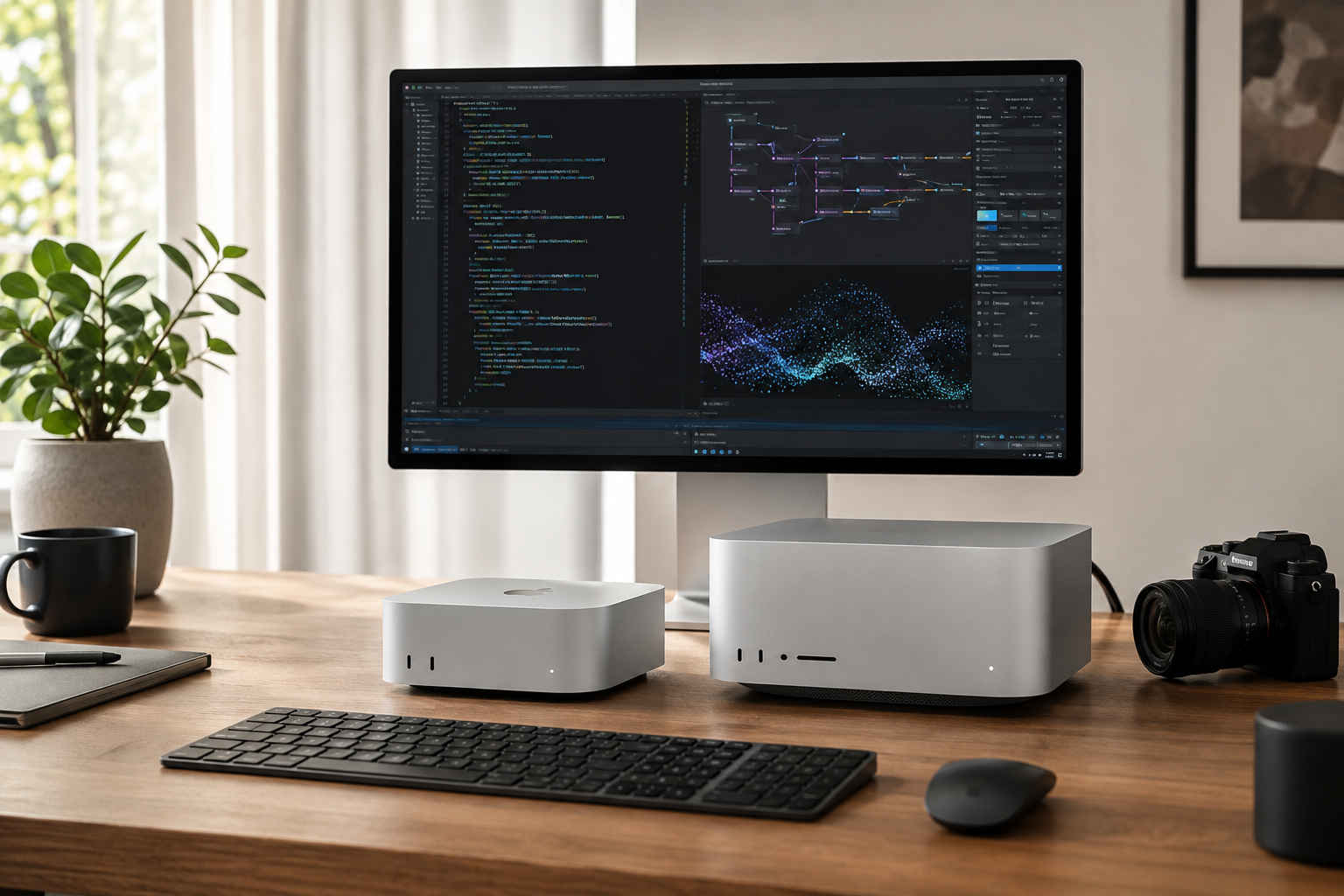
Key Takeaways
- The new Mac mini with M6 delivers up to 4x faster AI performance, 2x faster graphics and 2x faster storage than the previous-generation M4 Mac mini, according to Apple's testing.
- The new Mac Studio with M5 Max and M5 Ultra brings up to 4.3x faster AI performance, up to 1.8x faster graphics and up to 2x faster storage, according to Apple.
- The new Macs add features including Wi-Fi 7, Bluetooth 6 and faster connectivity, while the M5 Ultra Mac Studio supports up to 512GB of unified memory and 1.2TB/s memory bandwidth.
What Is New in the Mac Mini?
The biggest change to the Mac mini is Apple's new M6 chip.
M6 features a 12-core CPU and 12-core GPU, with two additional CPU and GPU cores compared with M5. The chip is also Apple's first 2-nanometer chip.
The new GPU includes a Neural Accelerator in every GPU core, bringing dedicated hardware improvements for AI workloads.
Apple says the M6 Mac mini delivers up to 4x faster AI performance and up to 2x faster graphics compared with the M4 Mac mini.
The new Dual 16-core Neural Engine is also designed to improve on-device AI performance, with Apple claiming up to 2x the peak performance of the previous generation.
M6 Mac Mini vs M5 Mac Mini: What Actually Changed?
The M6 Mac mini is not simply a routine processor upgrade.
The new chip moves from the previous M5 design to a 12-core CPU, adding two cores. Apple says the M6 delivers up to 1.2x faster multithreaded performance compared with M5.
Memory bandwidth has also increased to as much as 170GB/s, which Apple says is 10 percent higher than M5.
The M6 GPU also gains two additional cores and Neural Accelerators, providing nearly 30 percent higher peak GPU compute for AI compared with M5 in Apple's testing.
For everyday users, these changes should matter most when running demanding creative applications, local AI models, large workloads, and multitasking.
M6 Mac Mini vs M4 Mac Mini: The Bigger Upgrade
The difference becomes more noticeable when comparing M6 directly with M4.
Apple says the new M6 Mac mini delivers:
- Up to 4x faster AI performance
- Up to 2x faster graphics
- Up to 2x faster storage
- Up to 2x faster Neural Engine performance
- Up to 2x faster ray-traced gaming performance in Cyberpunk 2077: Ultimate Edition
Apple's testing also found up to 4.8x faster LLM prompt processing in LM Studio compared with M4 and up to 1.5x faster spreadsheet calculations in Microsoft Excel.
These are Apple's test results, and actual performance will vary depending on the application, configuration, and workload.
New Mac Mini Gets Better Connectivity
Connectivity has also received an upgrade.
Both M6 and M5 Pro versions now support Wi-Fi 7 and Bluetooth 6, along with 2.5Gb Ethernet and an optional 10Gb Ethernet configuration.
The M6 version includes three Thunderbolt 4 ports, while the M5 Pro version gets three Thunderbolt 5 ports.
Thunderbolt 5 can also be used to connect multiple Mac mini systems for demanding on-device AI workloads.
What Does the Mac Mini M5 Pro Add?
For professional users, Apple has introduced the M5 Pro version of the Mac mini.
It can be configured with up to an 18-core CPU and 20-core GPU, along with up to 64GB of unified memory and 307GB/s of memory bandwidth.
That extra power is aimed at users working with video production, 3D design, game development, scientific simulations, and local AI models.
Apple says M5 Pro delivers up to 4x faster LLM prompt processing than M4 Pro in LM Studio, up to 1.4x faster ray-tracing rendering in Blender, and up to 1.5x faster image processing in Affinity.
What Is New in the Mac Studio?
The Mac Studio gets a much larger performance upgrade.
Apple has introduced the M5 Max and the all-new M5 Ultra.
The M5 Max version features an 18-core CPU, up to a 40-core GPU, and up to 128GB of unified memory.
The M5 Ultra goes considerably further, with up to a 36-core CPU, an 80-core GPU, and up to 512GB of unified memory.
The M5 Ultra also uses a new quad-die architecture created through Apple's UltraFusion technology.
Mac Studio Performance: How Much Faster Is It?
Apple says the new Mac Studio provides up to:
- 4.3x faster AI performance
- 1.8x faster graphics
- 2x faster storage
- 1.3x faster CPU performance
The exact improvement depends on the chip and workload.
For M5 Max, Apple reports up to 3x faster Magic Mask performance in DaVinci Resolve Studio and up to 1.4x faster scene rendering in Maxon Redshift compared with M4 Max.
For M5 Ultra, Apple reports up to 4x faster LLM prompt processing and up to 4.3x faster text-to-image performance compared with M3 Ultra.
M5 Ultra Is Built for Huge AI Workloads
The M5 Ultra is the biggest change in Apple's new Mac lineup.
It features up to 512GB of unified memory and up to 1.2TB/s of memory bandwidth.
Apple says that bandwidth is 50 percent higher than M3 Ultra.
This large memory capacity is particularly important for AI researchers and developers who want to run large language models locally rather than relying entirely on cloud-based computing.
The M5 Ultra GPU also includes Neural Accelerators in every GPU core.
Apple says the chip can deliver up to 4.5x the peak GPU compute for AI compared with M3 Ultra.
Mac Studio Gets Faster Storage and New Connectivity
Storage performance is now up to twice as fast, according to Apple.
The Mac Studio also gets Thunderbolt 5, with bandwidth of up to 120Gb/s.
Wi-Fi 7 and Bluetooth 6 are also included for the first time on the Mac Studio.
The system can support up to eight displays, including up to four Studio Display XDR screens at full 5K resolution and 120Hz.
New macOS 27 Adds More AI Features
Hardware is only part of the upgrade.
The new Macs are designed to work with macOS 27, which introduces more Apple Intelligence features and Siri AI.
Siri AI can use personal context to help users find information, answer questions, and perform actions across applications.
Apple is also adding Visual Intelligence, improvements to Spotlight, new Shortcuts automation features, and additional AI-powered capabilities across applications.
These software features are expected to make the new chips more useful for users who want to run AI tasks directly on their Macs.
New Mac vs Previous Mac: What's Actually Better?
| Feature | Previous Generation | New Mac | What Changed |
|---|---|---|---|
| Mac mini CPU | M5 | M6, 12-core | 2 additional cores; up to 1.2x faster multithreaded performance |
| Mac mini GPU | M5 | M6, 12-core | 2 additional cores + Neural Accelerators |
| Mac mini AI | M4 | M6 | Up to 4x faster AI performance |
| Mac mini graphics | M4 | M6 | Up to 2x faster |
| Mac mini storage | M4 | M6 | Up to 2x faster |
| Mac mini memory bandwidth | M5 | M6 | Up to 170GB/s, 10% higher |
| Mac Studio AI | Previous generation | M5 Max/M5 Ultra | Up to 4.3x faster |
| Mac Studio graphics | Previous generation | M5 Max/M5 Ultra | Up to 1.8x faster |
| Mac Studio memory | Previous generation | M5 Ultra | Up to 512GB |
| Mac Studio bandwidth | M3 Ultra | M5 Ultra | Up to 1.2TB/s, 50% higher |
Apple's performance figures are based on its own testing and should not be treated as guaranteed results for every application or user.
Should You Upgrade to the New Mac Mini?
For M4 Mac mini owners, the upgrade is more significant.
The M6 brings major improvements in AI, graphics, and storage, while the new connectivity options add Wi-Fi 7, Bluetooth 6, and faster Ethernet.
For M5 Mac mini owners, the decision is less straightforward.
The M6 does provide more CPU and GPU cores, higher memory bandwidth, and improved AI hardware, but the direct CPU improvement over M5 is much smaller than the jump from M4 to M6.
Users who mainly perform everyday tasks may not see enough difference to justify replacing a recent M5 Mac.
However, people working heavily with local AI models, creative applications, development, or demanding graphics workloads could benefit more from the new hardware.
Should Professionals Upgrade to Mac Mini M5 Pro?
The M5 Pro Mac mini is aimed at a different audience.
Users working with video rendering, 3D design, game development, large datasets, or local AI models can take advantage of its higher core count, 64GB memory capacity, and 307GB/s memory bandwidth.
For owners of an M4 Pro Mac mini, Apple's tests show meaningful improvements in LLM processing, Blender rendering, and image processing.
For lighter workloads, however, the standard M6 model may provide better value.
Should Mac Studio Owners Upgrade?
The answer depends heavily on the existing configuration.
M4 Max Mac Studio owners may see the biggest benefits from M5 Max in graphics, AI, and professional creative workloads.
Apple reports up to 3x faster Magic Mask performance in DaVinci Resolve Studio and up to 1.4x faster Redshift rendering compared with M4 Max.
M3 Ultra Mac Studio users may have a stronger reason to consider M5 Ultra if they work with AI, 3D rendering, or extremely large datasets.
M5 Ultra offers up to 512GB of unified memory, 1.2TB/s bandwidth, and substantially higher AI compute according to Apple's testing.
How Much Do the New Macs Cost in Canada?
The new Mac mini with M6 starts at C$1,249 in Canada.
The Mac mini with M5 Pro starts at C$2,399.
The Mac Studio with M5 Max starts at C$3,499.
Apple says the new Macs can be pre-ordered from August 25, with availability beginning September 22.
The Mac Studio configuration with 512GB of unified memory is scheduled to arrive later in October.
What Makes the New Macs Different?
The biggest change across the lineup is Apple's increased focus on local AI.
Instead of treating AI as an extra feature, Apple has designed the M6 and M5 Ultra around workloads that can run directly on the device.
The combination of Neural Accelerators, Neural Engine improvements, unified memory, and higher memory bandwidth means users can run more AI workloads without depending entirely on cloud computing.
For professional users, the M5 Ultra takes this idea much further by combining huge memory capacity with high-bandwidth processing.
Final Verdict
Apple's new Macs are more than simple processor refreshes.
The Mac mini with M6 represents the bigger upgrade for users coming from M4, particularly those interested in AI, graphics, and faster storage.
The M5 Pro Mac mini is designed for professionals who need more memory and processing power while keeping the compact Mac mini form factor.
Mac Studio with M5 Max and M5 Ultra is aimed at a different class of user, especially AI developers, filmmakers, designers, researchers, and other professionals working with demanding workloads.
For existing owners, the upgrade decision depends on the current Mac. M4 users are likely to see a more noticeable improvement, while M5 users should consider whether the new AI and graphics capabilities justify the upgrade.
TwikUp Insight
Apple's latest Mac launch is clearly centered on one theme: bringing more powerful AI capabilities directly to the desktop.
The M6 makes the compact Mac mini considerably more capable, while M5 Ultra pushes the Mac Studio into a much higher performance class with up to 512GB of unified memory.
The biggest question for existing Mac owners is therefore not whether the new models are faster. They are. The real question is whether those improvements matter for the work they actually do.
For everyday users, an older Apple silicon Mac may still be more than enough. For people running local AI models, professional video, 3D rendering, or other demanding workloads, the new generation offers a much stronger reason to upgrade.